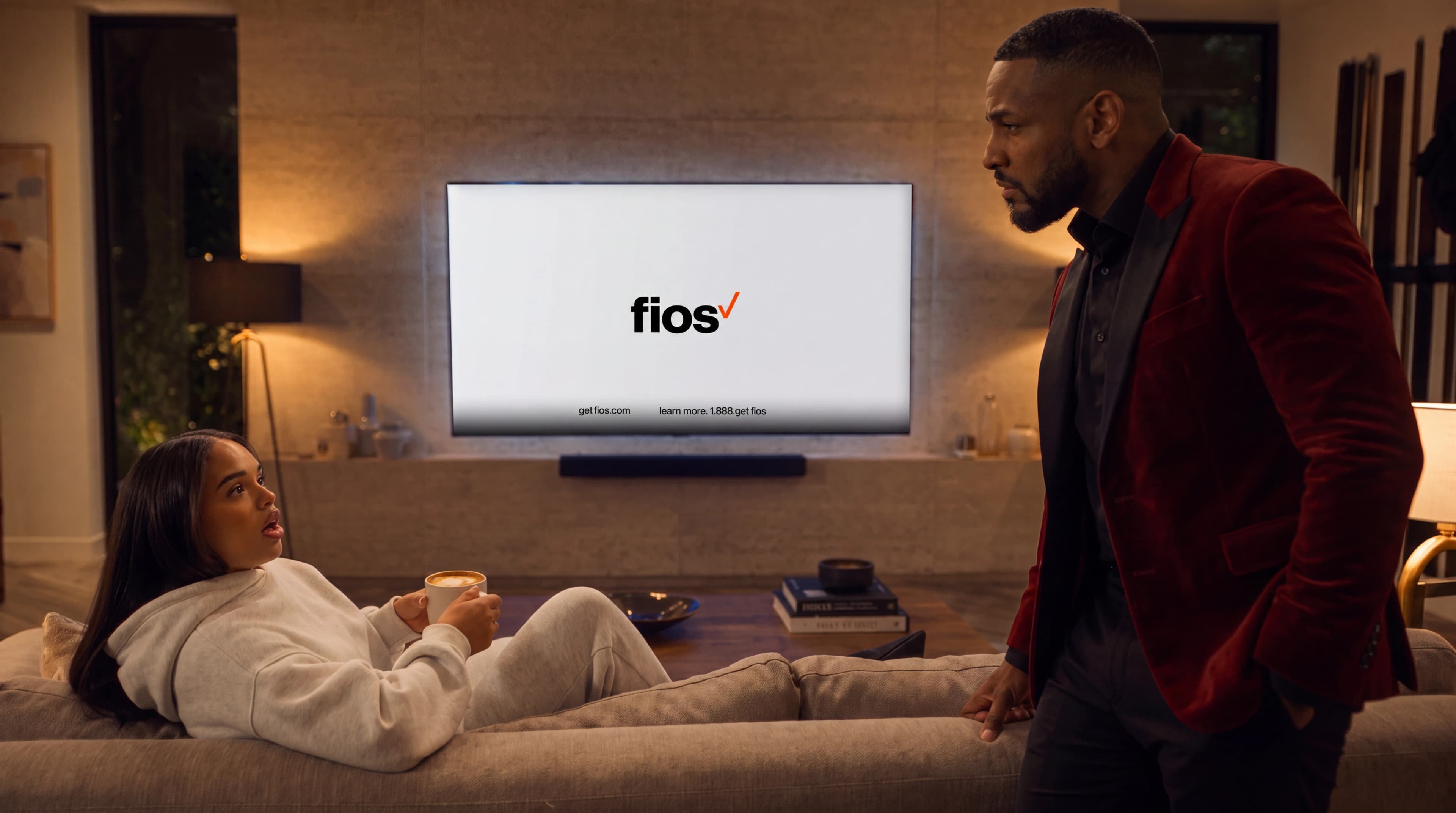
FiOS - Designing the Right Way
Interaction decisions framed through device capability, customer expectations, business goals, and ten-foot context.
Media Showcase

Project Notes
Company
Verizon FiOS
Role
Product and Interface Design
Focus
Connected Media Interfaces
Skills
10-Foot Interface / Media UX / Accessibility
What It Proves
Provides a strong media-interface counterweight to enterprise dashboard work.
Technologies / Tech Stack
Prototype stack
These technologies describe the portfolio prototype, recreation, or presentation layer.
Design team makeup
This is the makeup of the immediate design team. It does not mean other roles did not play a part in building the product.
Prototype disclaimer
This portfolio prototype is an original, incomplete representation created at Kirk's direction to demonstrate work of a similar nature. It does not reproduce the original product's exact structure or visual design. It uses no original product assets, proprietary data, trade secrets, or live integrations, and it is not connected to any production application.
Problem
TV interfaces need dense information to stay legible at a distance while still supporting fast channel, guide, and discovery workflows across constrained devices.
Approach
01
I started by reframing the interface around the realities of ten-foot viewing. Rather than choosing a menu model on visual preference alone, I evaluated competing approaches against customer familiarity, remote-control behavior, device capability, content scale, accessibility, business objectives, and future growth. That gave the team shared criteria for deciding what the experience needed to make legible, predictable, and easy to operate from across the room.
02
From there, I treated the top-level menu, Guide, content discovery, program details, and playback as one connected information architecture. I mapped how focus should move through destinations, grids, rails, metadata, and controls; what should happen after every directional press; and how Back should restore context. The resulting hierarchy revealed information progressively, so viewers could understand where they were, what was selected, and what would happen after pressing OK.
03
I then used motion prototypes, video compositing, and remote-driven flows to test the system in context instead of judging isolated screens. The work had to stay readable over changing imagery, return immediate focus feedback on constrained hardware, tolerate incomplete or delayed metadata, and preserve captions, alternate audio, reduced-motion, and other accessibility states. I translated those decisions into reusable navigation, hierarchy, motion, performance, and handoff rules the wider product team could carry forward.
Public resources
Verizon FiOS News
These are public company or product resources, not works of Kirk's. They stay here as quick context while Kirk-specific claims remain tied to portfolio-safe evidence.
Website
official currentFios TV Interactive Media Guide
Current Verizon support context for menu, guide, search, DVR, parental controls, captions, and related guide functions.
Boundary
CMS-managed public resource. Treat as context unless Kirk-specific proof is explicitly approved.
Website
Website
official currentFios TV Voice Remote
Current remote-control vocabulary for guide access, search, navigation, playback controls, and accessibility examples.
Boundary
CMS-managed public resource. Treat as context unless Kirk-specific proof is explicitly approved.
Website
Next route